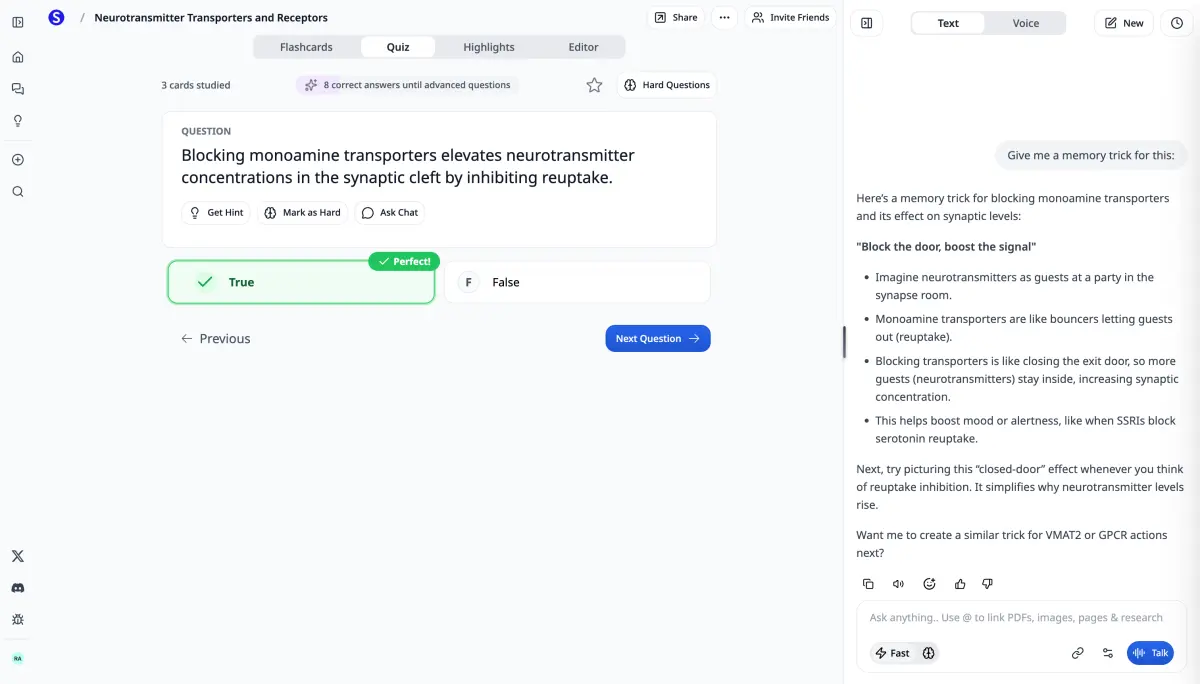
New hire training AI from your handbook and SOPs
Turn onboarding PDFs, setup guides, and recorded orientations into flashcards, quizzes, video lectures, podcasts, slides, and study guides — an AI onboarding platform new hires can work through without waiting on another live session.
Start with 1 seat · Self-serve up to 29 · No credit card required to explore
How Teams Use Scholarly for Onboarding
First-week packs that get finished
Upload the handbook, benefits overview, and setup guides once. Generate a structured onboarding pack — slides, quizzes, and study guides — so day one to productive is shorter and nothing important gets skipped.
Role-specific ramp paths
Different roles need different material. Share role folders in a team library and let each new hire generate quizzes and flashcards from the docs that match their job — not a one-size-fits-all LMS course.
Orientation recordings that stay useful
Record live orientations or upload the audio. Get transcripts, searchable meeting notes, and podcasts new hires can replay when they missed a session or join mid-cycle.
Policy and compliance without the skim
Feed in dense compliance and policy PDFs and get clear summaries, knowledge checks, and cited answers — so new hires absorb the material instead of skimming a 60-page file and signing off.
Built for AI Employee Onboarding
Onboarding decks from your handbook
Turn internal onboarding docs into AI-generated slides new hires can present to themselves — a structured path through your material in minutes.
AI video lectures & orientation podcasts
Narrated video lectures and conversational podcasts from setup guides and process docs — a second explanation for the commute or async ramp.
Grounded answers for new-hire questions
Ask questions across the handbook or whole onboarding library — every answer cites the source passage so new hires verify before they ask a manager the same thing twice.
Knowledge checks & study guides
Generate quizzes and study guides from your real onboarding material — so you know what stuck before week two, not after a costly mistake.
Onboard Every New Hire on One Plan
Scholarly Teams puts People Ops, managers, and new hires on one plan. Every paid feature unlocks the moment someone accepts their invite — shared libraries, one central bill.
- Every paid feature unlocks automatically for every member
- Access Frontier models such as Opus 5, Sonnet 5, and GPT-5.6 Sol on supported features
- Every member gets their own 450 AI credits per week — not a shared pool
- Shared source libraries so every cohort learns from the same handbook and SOPs
- Owner, Admin, and Member roles — invite by email or link, control model access
- Contact-led availability for new Team workspaces
For new workspace access and billing, email hello@scholarly.so.
How It Works
Upload your onboarding material
Handbooks, SOPs, setup guides, benefits PDFs, recorded orientations, and slides — everything new hires need, in one workspace.
Invite the cohort
Add seats, invite by email or link, and assign Owner, Admin, or Member roles. Shared libraries unlock as soon as they join.
Generate the first-week pack
Create flashcards, quizzes, video lectures, podcasts, slides, study guides, and meeting notes — all grounded in your company's own sources.
Frequently Asked Questions
How is AI onboarding software different from a chatbot?
Scholarly is source-grounded: it turns the handbooks, SOPs, and recordings you already maintain into onboarding artifacts — flashcards, quizzes, video lectures, podcasts, slides, and study guides — and cites the exact passage for every answer. New hires learn how your company works, not from a generic model that may invent policies.
What does Scholarly Teams cost for new hire training?
New Teams plans are arranged directly with us. Email hello@scholarly.so to discuss your organization, workspace access, and billing.
Can managers and new hires share the same onboarding library?
Yes. Shared source libraries let People Ops upload the handbook and SOPs once so every cohort generates training from the same source of truth. Owner and Admin roles control invites, seats, and model access; Members get full features with their own weekly credits.
What AI models power the AI onboarding platform?
Teams can unlock Frontier models such as Opus 5, Sonnet 5, and GPT-5.6 Sol on supported AI features. Admins choose whether the team may use Standard and Frontier models.
Is our onboarding material private?
Your uploads are private to your account and are not shared with other users. On a team, members work from shared libraries you control, and you can delete materials at any time.
Keep exploring
Related pages & tools
Build a complete AI onboarding stack with these pages and tools.
Scholarly for Teams
Shared Enterprise workspace, admin controls, and contact-led availability.
Scholarly for Businesses
Training, onboarding, and upskilling for companies.
AI Employee Training
Corporate L&D from SOPs and product docs.
AI Sales Enablement
Product knowledge and playbook training for sales.
AI Employee Training guide
How Scholarly turns company docs into training.
Scholarly vs ChatGPT Business
Native onboarding artifacts compared with a broad AI workspace.
Study Guide Generator
Handbooks to clear first-week guides.
Quiz Generator
Knowledge checks from onboarding docs.
AI Presentation Generator
Docs to onboarding decks.
PDF to Podcast
Orientation docs for the commute.
AI Video Lectures
Narrated lessons from your handbook.
AI Slides
Generate decks from your sources.
Podcasts
Turn material into onboarding audio.
Recordings
Capture live orientations.
AI Meeting Notes
Orientations to searchable notes.
PDF Summarizer
Long policy docs to key points.
Ready to Ramp New Hires on Your Own Material?
Contact us about Teams for People Ops and managers, or sign up free and try it on one handbook first.
Free
See what it does with one of your own sources.
- 3 AI Chat messages per day
- 1 free AI creation total
- 1 free file upload total (8MB)
- 5 quiz questions per day
- 1 exam attempt per day
- 15 voice minutes per day
- 32-page PDF to flashcards
- 500 autocomplete words per day
Use it to generate flashcards, improve a deck, or create a podcast, video lecture, slides, infographic, mind map, study guide, worksheet, spreadsheet, story book, timeline, SOP, flowchart, lesson plan, or outline — or run Deep Research or turn a recording into AI Meeting Notes.
Premium
Steady weekly output from the material you already have.
$30/month
Everything in Free, plus:
- 10 AI creations per week
- Unlimited AI chat & autocomplete
- Unlimited file uploads (up to 300MB)
- Unlimited study sessions
- Unlimited exams & quizzes
- 1000-page PDF to flashcards
- Export to Anki
- Priority support
Laureate
For work where being right matters more than the price.
billed monthly · cancel anytime
Everything in Premium, plus:
- Any Frontier model — Claude Opus 5, Gemini 3.1 Pro, Grok 4.6
- 75 AI creations per week
- 20 Frontier creations per week
- 20 Frontier Chat messages per week
- Unlimited uploads up to 1 GB, plus 3,000-page PDFs
- 12 hours of voice mode per day
- Priority support and early access to new Frontier models
Pricing shown in USD. Local currency may be available for Premium in app.
Compare plans
AI chat
Premium and Laureate include unlimited AI chat. Frontier Boost on makes Auto (Laureate) use Claude Opus 5; off uses GPT 5.6 Luna.
- Free
- 3/day
- Premium
- Unlimited
- Laureate
- Unlimited
Chat Frontier Boosts
Premium includes recommended access to Grok 4.6, Gemini 3.1 Pro, and Claude Sonnet 5. Laureate adds the remaining Frontier catalog plus 20 Frontier creations and 20 Frontier Chat responses each week; Auto uses Claude Opus 5 while boosts remain and GPT 5.6 Luna afterward.
- Free
- —
- Premium
- —
- Laureate
- 20/week
AI creations
AI creations are used for AI Flashcards, deck edits, AI Podcasts, AI Video Lectures, AI Slides, worksheets, AI Infographics, mind maps, study guides, spreadsheets, story books, timelines, SOPs, flowcharts, lesson plans, outlines, AI Meeting Notes, and Deep Research reports.
- Free
- 1 total
- Premium
- 10/week
- Laureate
- 75/week
Creation Frontier Boosts
Frontier Boost on makes Auto (Laureate) use Claude Opus 5; off uses GPT 5.6 Luna. Laureate includes 20 boosts within its 75 weekly creations. Flashcards never spend a boost.
- Free
- —
- Premium
- —
- Laureate
- 20/week · included
Video lectures
- Free
- Uses AI creations
- Premium
- Included in 10/week
- Laureate
- Included in 75/week
File uploads
- Free
- 1 total (8MB)
- Premium
- Unlimited (300MB)
- Laureate
- Unlimited (1 GB each)
PDF to flashcards
- Free
- 32 pages
- Premium
- 1000 pages
- Laureate
- 3000 pages
Practice questions
- Free
- 5/day
- Premium
- Unlimited
- Laureate
- Unlimited
Practice exams
- Free
- 1/day
- Premium
- Unlimited
- Laureate
- Unlimited
Voice mode
- Free
- 15 min/day
- Premium
- 2 hr/day
- Laureate
- 12 hr/day
Autocomplete
- Free
- 500 words/day
- Premium
- Unlimited
- Laureate
- Unlimited
Export to Anki
- Free
- —
- Premium
- Included
- Laureate
- Included
Support
- Free
- Standard
- Premium
- Priority
- Laureate
- Priority
What customers say
Scholarly has enhanced the quality of notes and questions I administer to my tutees. Insightful, to the point.
TD Georgas
Tutor
I have very good experience with Scholarly it summarize me scientific text in hovel academic level with citation. I use this for any therapeutic area . It is great and useful tool.
Diana
Scholarly user
Scholarly has been a valuable tool for my studies. The AI-generated flashcards and intuitive features make organizing and retaining information much easier.
Briana
Scholarly user
This app is great for studying for big test. Drop your PDF's in the system and it'll do the trick. You can organize it specifically for your needs.
Kelvin
Scholarly user
Your questions, answered
Is Scholarly free to use?
Yes! The free plan includes core study tools with clear limits: 3 AI Chat messages per day, one free AI creation total, 1 free file upload total, quizzes, practice exams, and manual flashcard creation. Upgrade to Premium for 10 AI creations per week and unlimited uploads.
What uses my free AI creations?
Generating flashcards, improving a flashcard deck, making a podcast, creating a video lecture or infographic, building slides, a spreadsheet, or a story book, making a mind map, study guide, or worksheet, having an AI Agent create a timeline, SOP, flowchart, lesson plan, or outline, running Deep Research, or processing a recording uses your free AI creation. It is a lifetime free credit and does not reset. AI Chat messages, quizzes, and exams still have separate daily limits; free file uploads are also lifetime credits.
Can I cancel anytime?
Absolutely. There are no contracts or commitments. You can cancel your subscription at any time from your account settings, and you'll keep access until the end of your billing period.
What payment methods do you accept?
We accept all major credit and debit cards through Stripe. Pricing is displayed in USD by default, but local currency is available in the app.
Can I use Scholarly with a class or school?
Yes. For a school or organization-wide rollout, contact us at hello@scholarly.so and we'll help you find the right setup.
What happens when I hit a free plan limit?
You'll see a prompt to upgrade. Your existing work is never lost — limits only apply to new actions. Free AI creations and the free upload are lifetime credits and do not reset. Premium includes 10 AI creations per week and unlimited uploads.